aceberg/booktr
Translate texts side-by-side using LibreTranslate API
Image
0
4.6K
aceberg/booktr repository overview
 BookTr



This app translates text side-by-side, using LibreTranslate API. Features:
- For reading long texts in foreign languages
- Aligns paragraphs with their translations
- Can Save translations in
jsonformat - Select word to see its translation, double click to translate every word in a sentence
- Fully Self-Hosted, can work offline
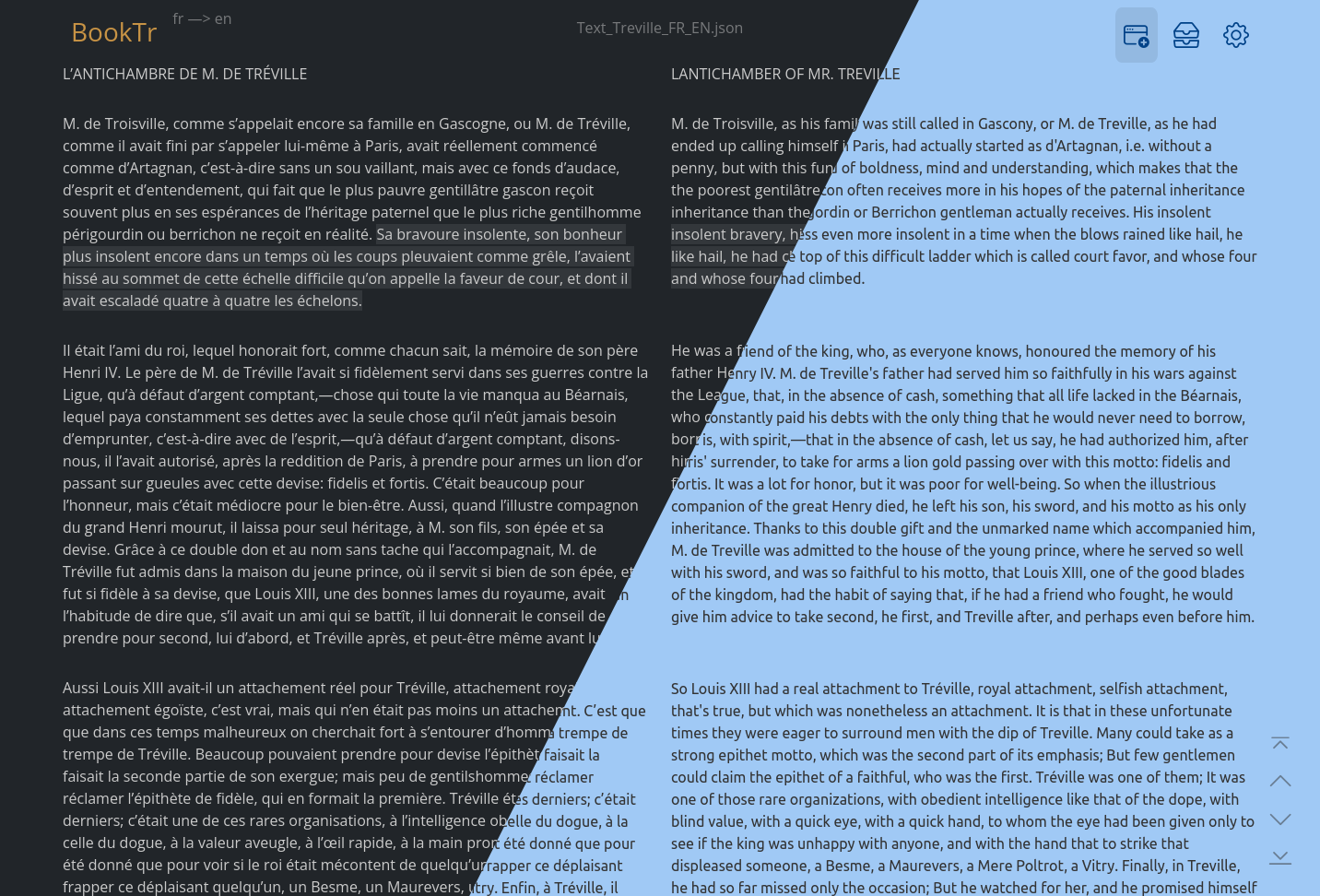
More screenshots
Expand
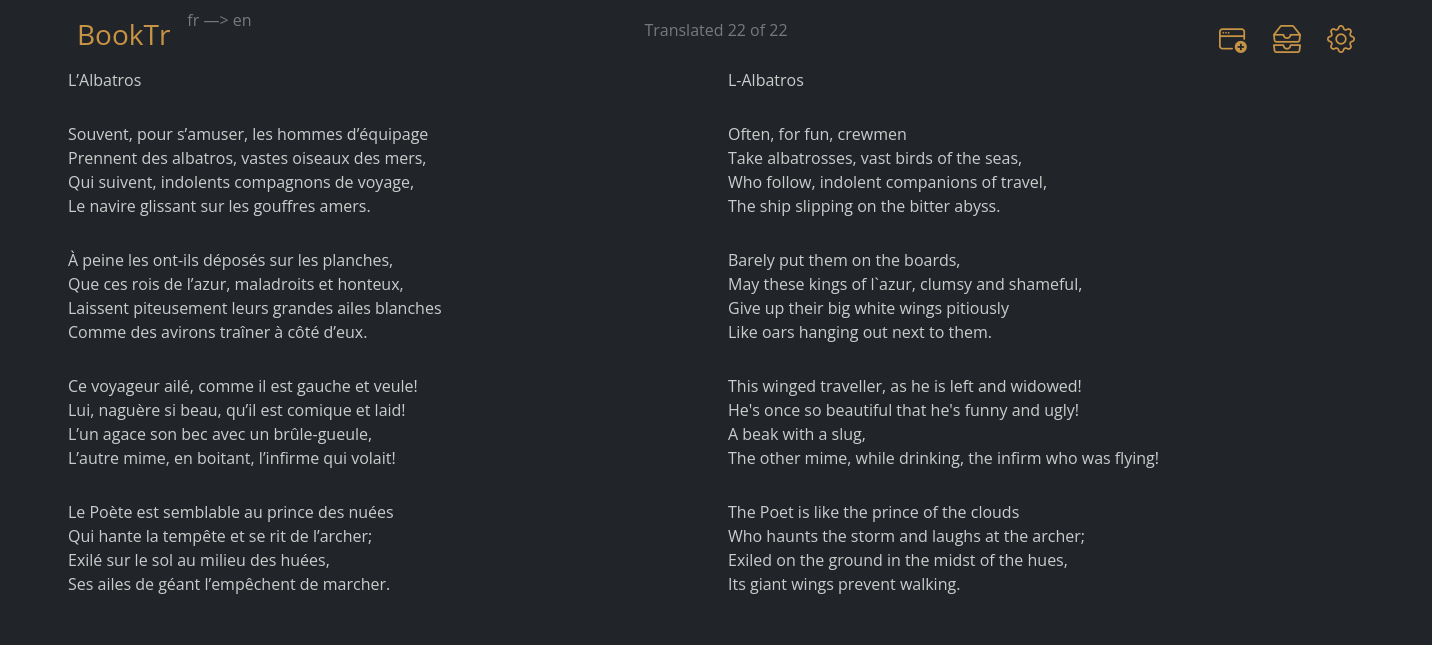
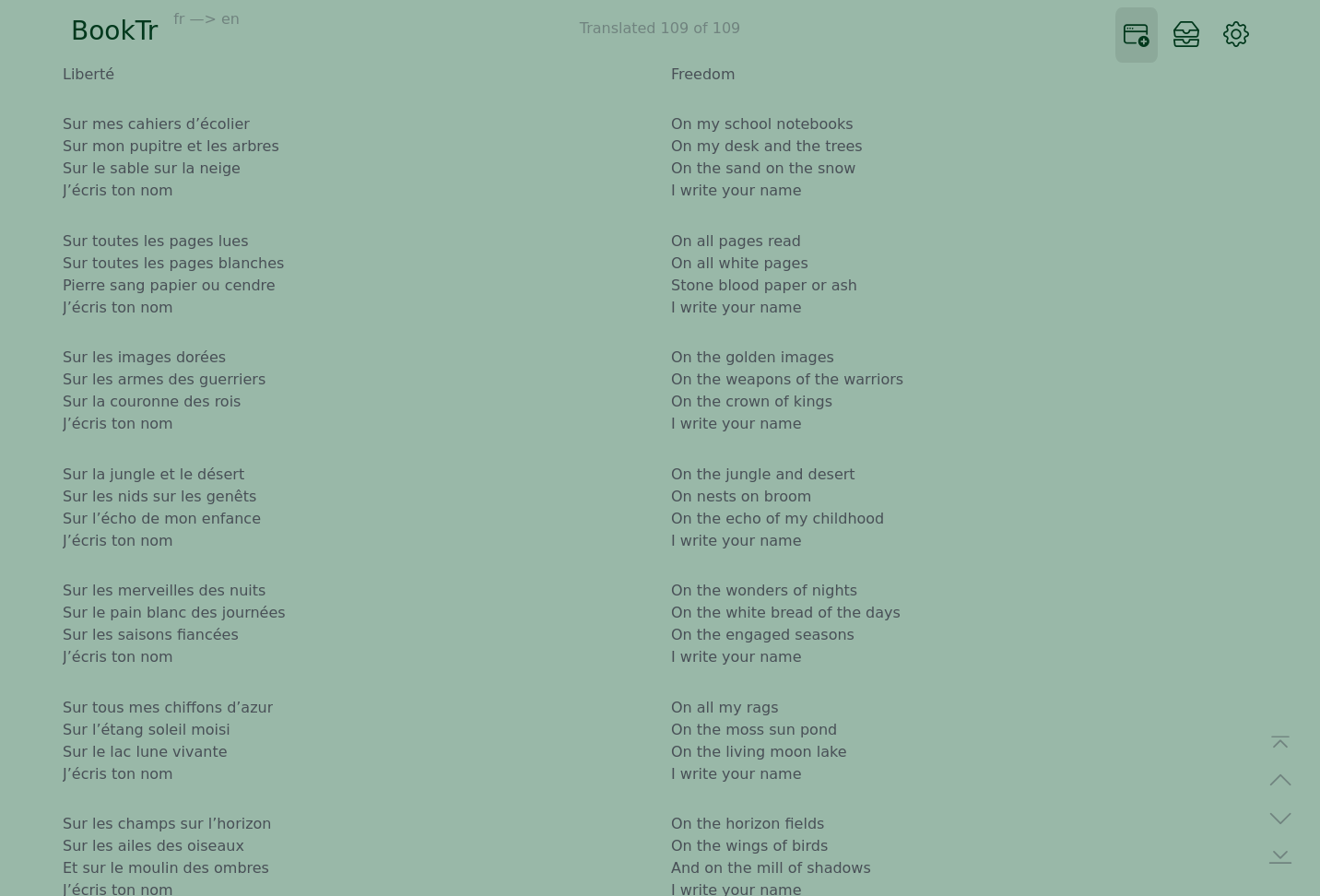
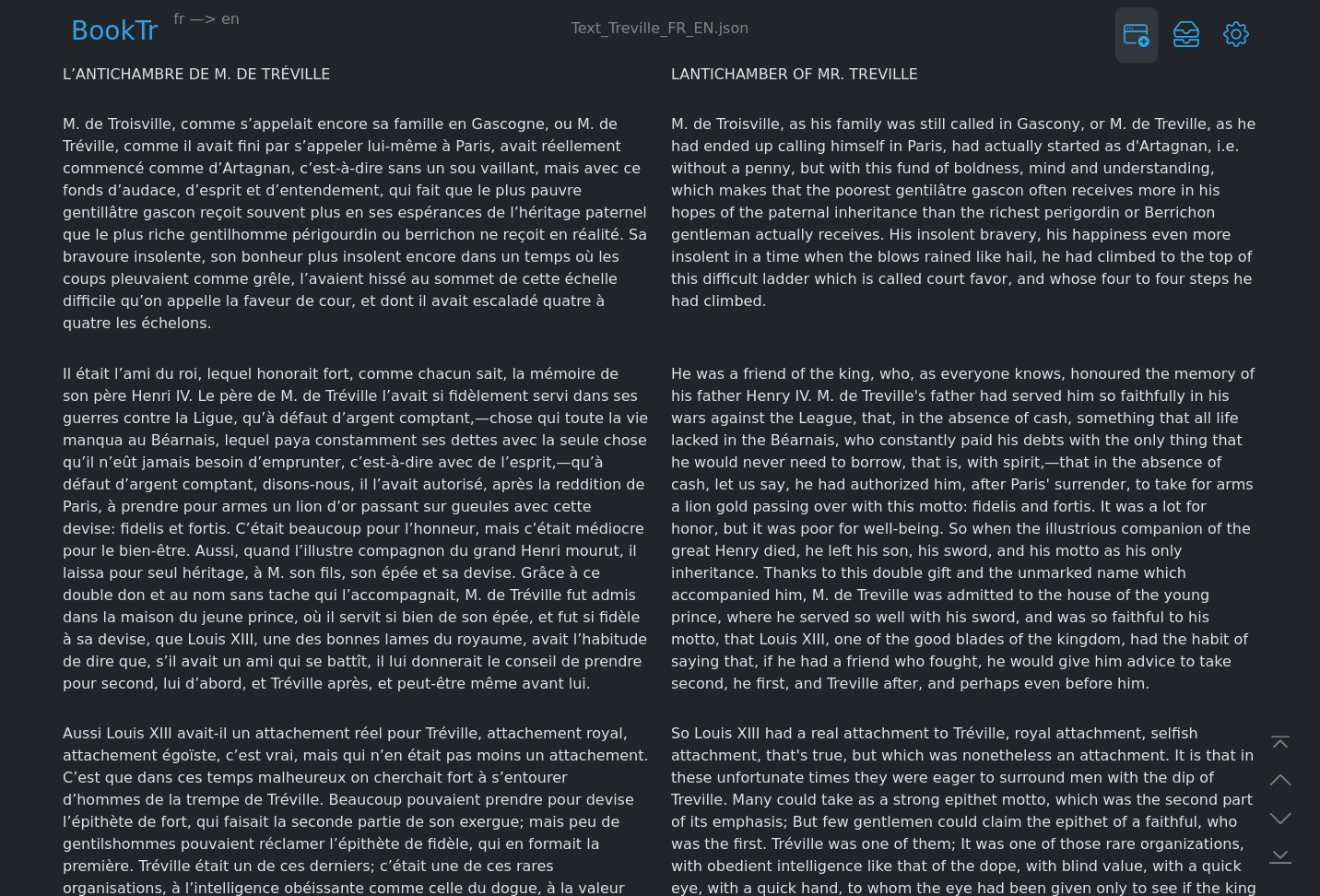
Quick start (Docker)
Expand
First, run LibreTranslate container. It will take some time (~20 minutes) and resources (~1Gb memory, 10+Gb disk). When you see it's web interface at port 5000, move on to installing BookTr.
docker run --name ltr \
    -p 5000:5000 \
  libretranslate/libretranslate
docker run --name BookTr \
    -e "TZ=$YOURTIMEZONE" \                  # your TZ here
    -e "LTRPATH=http://$YOURADDRESS:5000" \  # LibreTranslate URL
    -v ~/.dockerdata/BookTr:/data/BookTr  \
    -p 8856:8856 \
  ghcr.io/aceberg/booktr # or aceberg/booktr
Or use docker-compose.yml
Install Binary
Expand
All binaries are available in the latest release.
Auth
Expand
BookTr does not have built-in auth option. But you can use it with SSO tools like Authelia, or my simple auth app ForAuth.
Config
Expand
App config
| Variable | Description | Default |
|---|---|---|
| TZ | Set your timezone for correct time | |
| HOST | Listen address | 0.0.0.0 |
| PORT | Port for web GUI | 8856 |
| THEME | Any theme name from https://bootswatch.com in lowcase or additional | ocean |
| COLOR | Background color: light or dark | light |
| NODEPATH | Path to local node modules |
Connect to LibreTranslate
| Variable | Description | Default |
|---|---|---|
| LANGFROM | Translate from * | fr |
| LANGTO | Translate to * | en |
| LTRPATH | LibreTranslate URL | |
| LTRKEY | LibreTranslate API key (optional) |
* All languages available in LibreTranslate: http://$LTRPATH/languages
Options
Expand
| Key | Description | Default |
|---|---|---|
| -d | Path to config dir | /data/BookTr |
| -n | Path to local node modules |
Thanks
Expand
- All go packages listed in dependencies
- Favicon and logo: Flaticon
- Bootstrap
- Themes: Free themes for Bootstrap
Tag summary
Content type
Image
Digest
sha256:62920575f…
Size
10.1 MB
Last updated
over 1 year ago
docker pull aceberg/booktr