aceberg/diarymd
Markdown editor with Tabs, WorkSpaces and Blog
6.2K
aceberg/diarymd repository overview
 DiaryMD


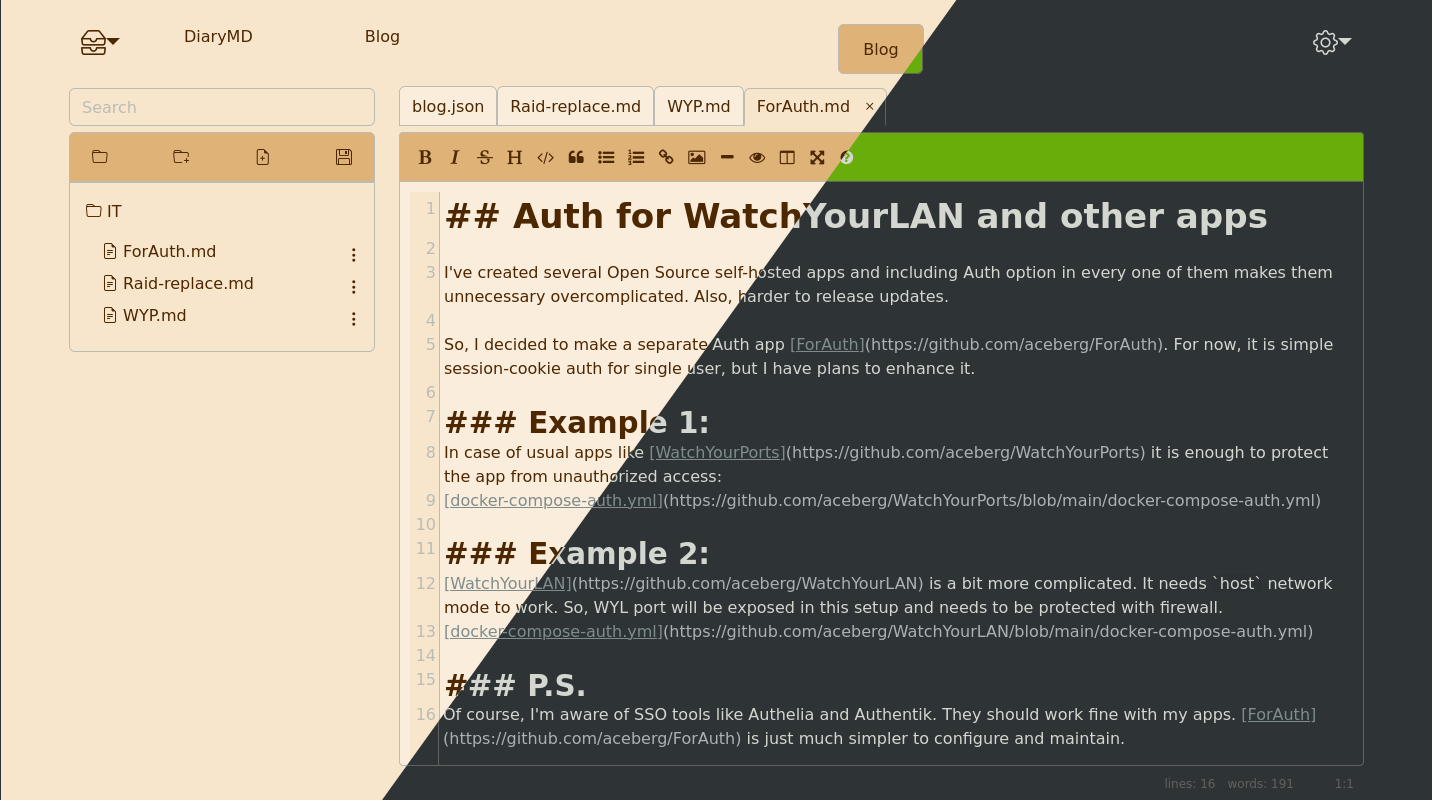
Markdown editor written in Go and SolidJS:
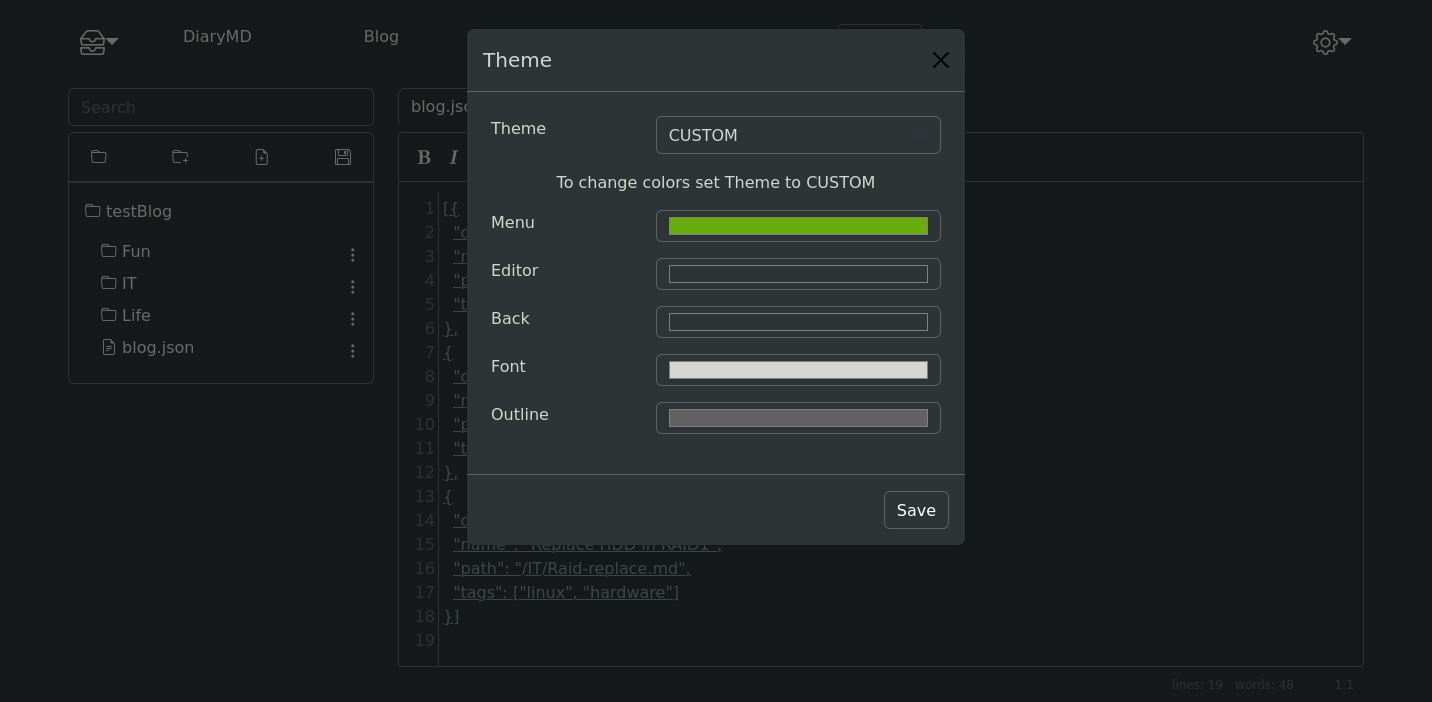
- Fully configurable Themes
- Tabs
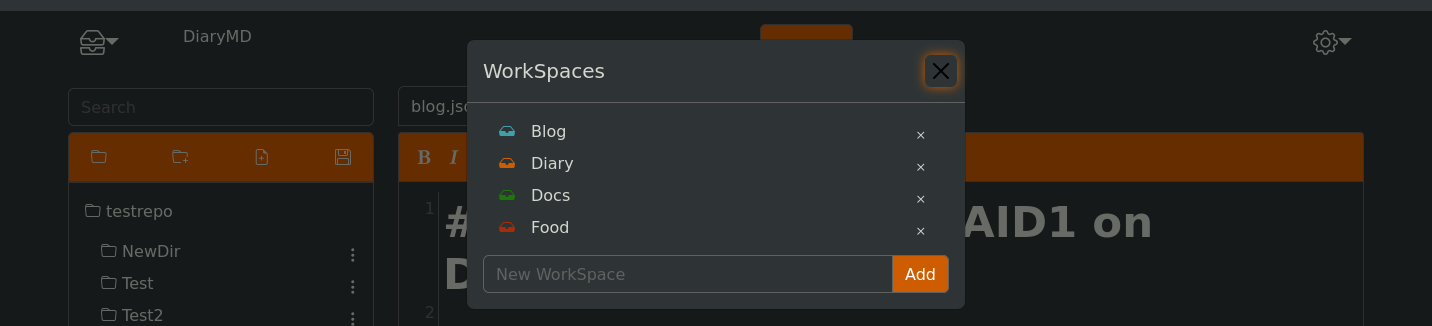
- WorkSpaces
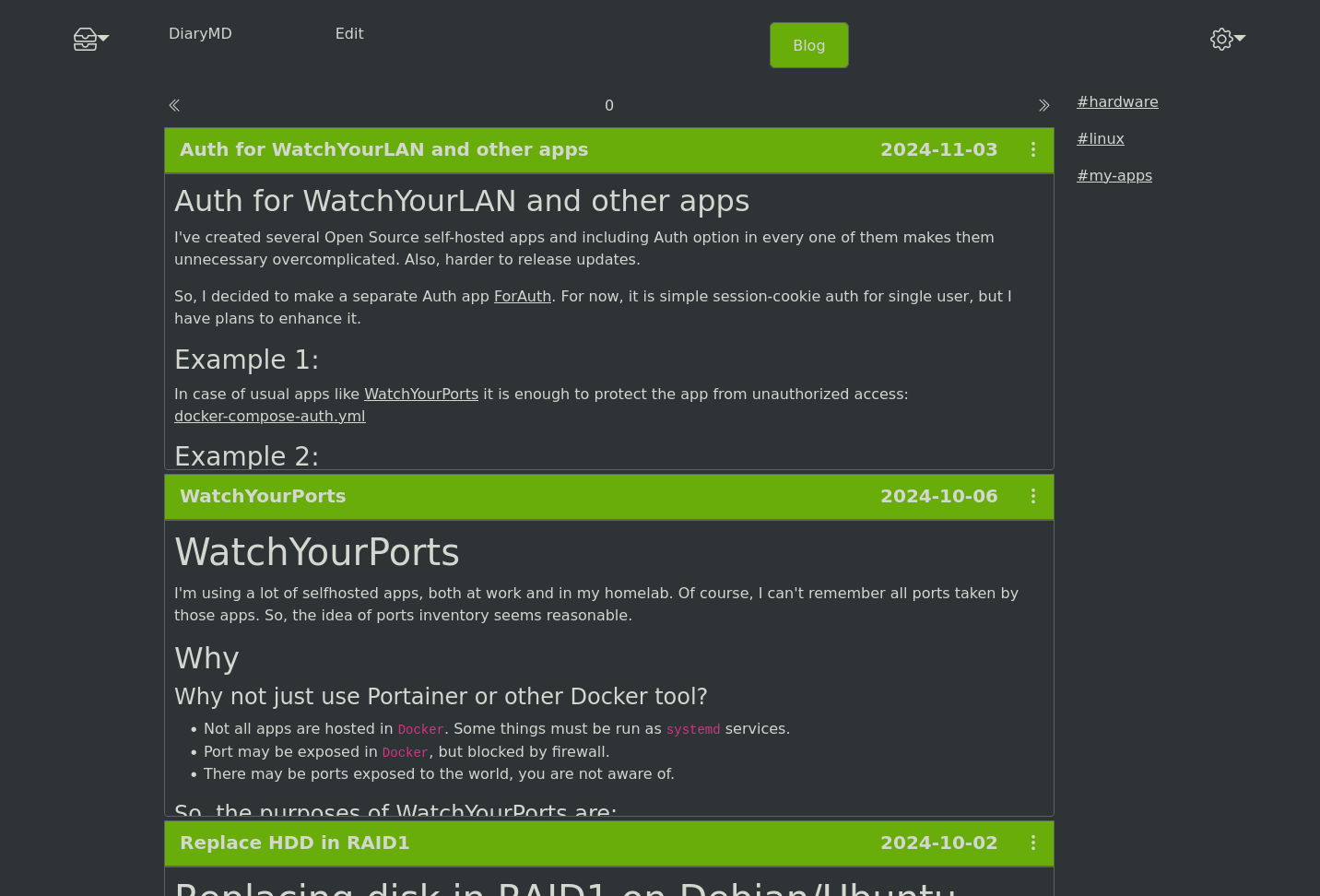
- Simple Blog
- Full screen mode
- Works with a given directory (could be a
gitrepo). No DB needed
More screenshots
Expand
Quick start (Docker)
Expand
docker run --name DiaryMD \
    -e "TZ=$YOURTIMEZONE" \  # your TZ here
    -e "REPOPATH=/repo" \    # path to diary dir
    -v ~/.dockerdata/DiaryMD:/data/DiaryMD \  # config
    -v ~/.dockerdata/DiaryRepo:/repo \        # diary
    -p 8854:8854 \
    -u $(id -u):$(id -g) \  # run as current user, so created files will be owned by user, not root
  aceberg/diarymd
Mounted volumes must have write permission for non-root user:
sudo chown $(id -u):$(id -g) ~/.dockerdata/DiaryMD
sudo chown $(id -u):$(id -g) ~/.dockerdata/DiaryRepo
Install Binary
Expand
All binaries are available in the latest release.
Auth
Expand
DiaryMD does not have built-in auth option. But you can use it with SSO tools like Authelia, or my simple auth app ForAuth.
Here is an example docker-compose-auth.yml.
Config & WorkSpaces
Expand
App config and config for Default workspace can be done through environment variables or config.yaml file. Also, Default workspace config and colors can be set through GUI.
Other workspaces have their own paths and themes, which can be configured through GUI (recommended) or workspaces.yaml file.
:warning: Note
WhileDefaultworkspace stores open tabs in browser, other workspaces keep them inworkspaces.yamlfile, so, if you want to access the same tabs from different devices, do not useDefault.
App config
| Variable | Description | Default |
|---|---|---|
| TZ | Set your timezone for correct time | |
| HOST | Listen address | 0.0.0.0 |
| PORT | Port for web GUI | 8854 |
Default workspace config
| Variable | Description | Default |
|---|---|---|
| REPOPATH | Path to diary dir or repo | |
| BLOGPATH | Path to dir with blog.json file | |
| PAGE_STEP | Items per page in blog | 3 |
| THEME | dark, gray, lake, night, sand or CUSTOM | sand |
If THEME=CUSTOM, colors can be set individually.
Colors
| Variable | Description | Default |
|---|---|---|
| C_FONT | Font color | #313136 |
| C_MENU | Menu color | #dfb377 |
| C_EDIT | Editor back color | #faeddc |
| C_BACK | Background color | #f8e6cc |
| C_OUTLINE | Outline color | #616161 |
Options
Expand
| Key | Description | Default |
|---|---|---|
| -d | Path to config dir | /data/DiaryMD |
Blog
Expand
Blog option is still under development and a bit experimental.
To enable blog in the workspace, set BLOGPATH to directory, where blog.json file is stored.
Example of blog.json file. Here path is relative path inside the dir, specified in BLOGPATH. File blog.json must be at the root of the dir.
[{
  "date": "2024-11-03",
  "name": "Auth for WatchYourLAN and other apps",
  "path": "/IT/ForAuth.md",
  "tags": ["my-apps"]
},
{
  "date": "2024-10-06",
  "name": "WatchYourPorts",
  "path": "/IT/WYP.md",
  "tags": ["my-apps"]
},
{
  "date": "2024-10-02",
  "name": "Replace HDD in RAID1",
  "path": "/IT/Raid-replace.md",
  "tags": ["linux", "hardware"]
}]
Thanks
Expand
- EasyMDE editor
- All go packages listed in dependencies
- Favicon and logo: Flaticon
- Bootstrap
Tag summary
Content type
Image
Digest
sha256:47e165f6e…
Size
10.7 MB
Last updated
over 1 year ago
docker pull aceberg/diarymd