aeciopires/mytoolkit
A web application for formatting, encoding, decoding, hashing, and generating data
1.1K
aeciopires/mytoolkit repository overview
MyToolkit
MyToolkit is a suite of utilities designed to simplify common daily tasks for developers, analysts, and IT professionals. By bringing various tools together in one place, it enables quick, practical, and secure data conversion, formatting, code generation, and manipulation, eliminating the need to switch between multiple websites and applications.
It ships as a single Go binary that runs as a web application (REST API + server-rendered UI) by default, or as a CLI for any individual tool.
More details about installation, use and architecture, visit: github.com/aeciopires/mytoolkit
Screenshots
| Homepage (light) | Homepage (dark) |
|---|---|
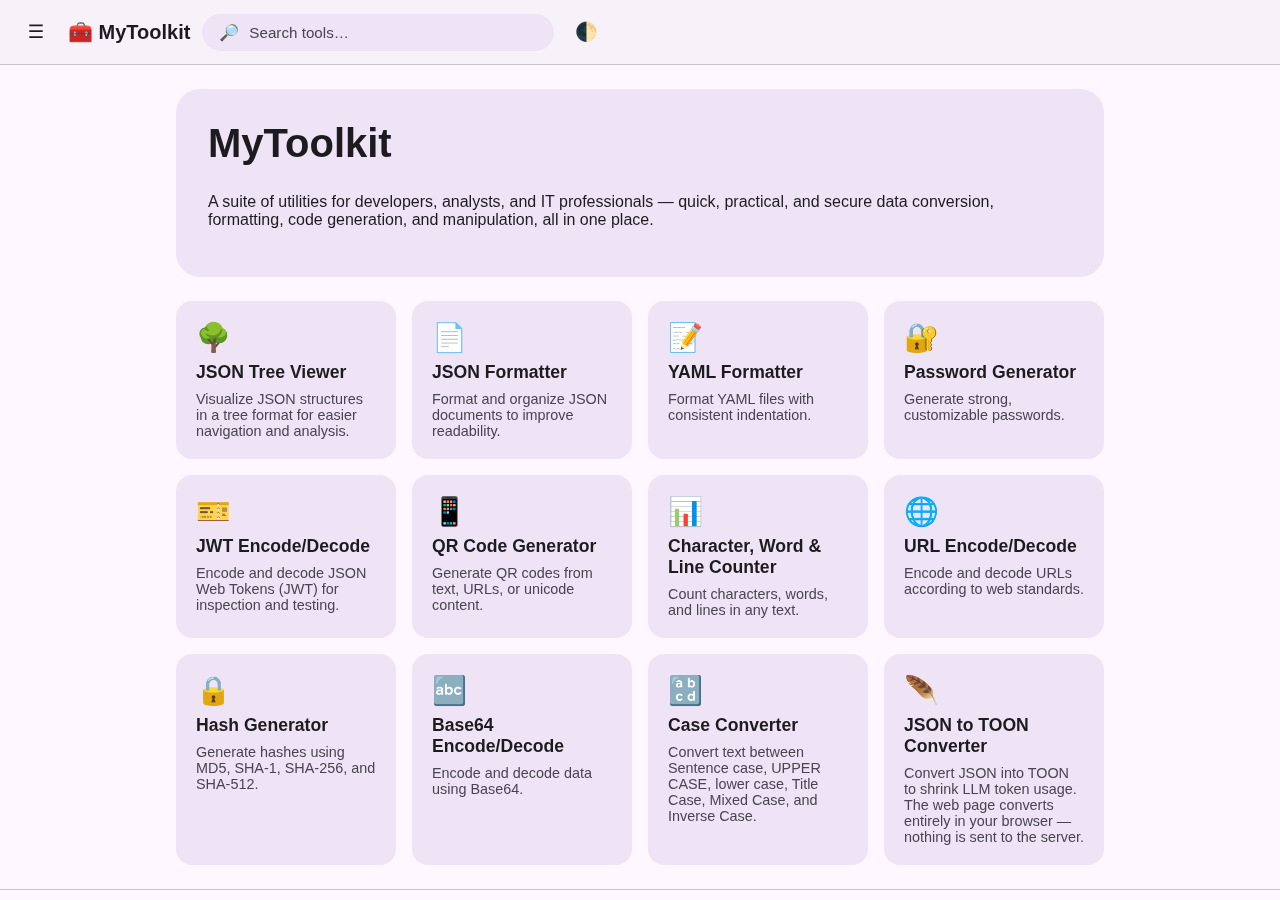 | 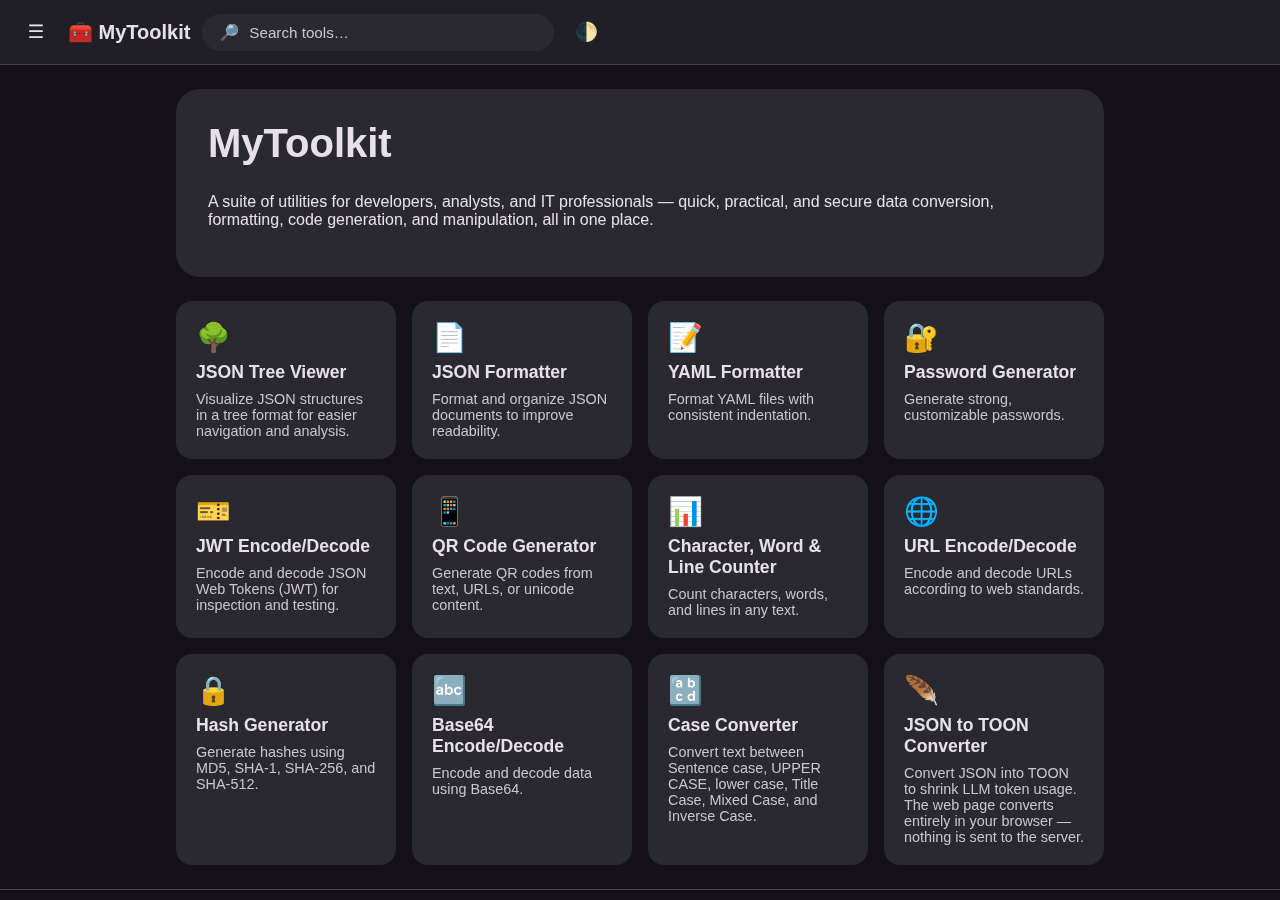 |
| Hash Generator (light) | Password Generator (dark) |
|---|---|
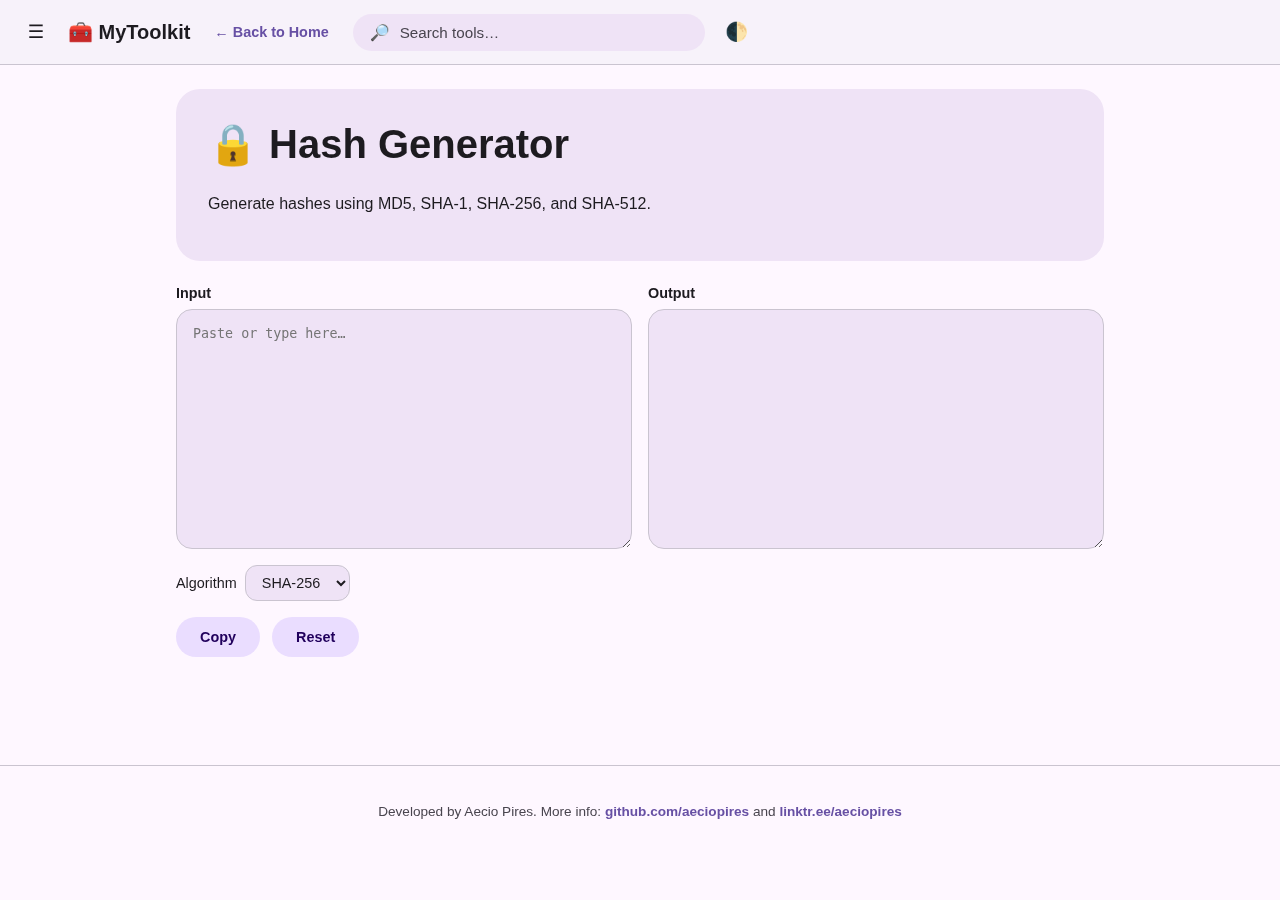 | 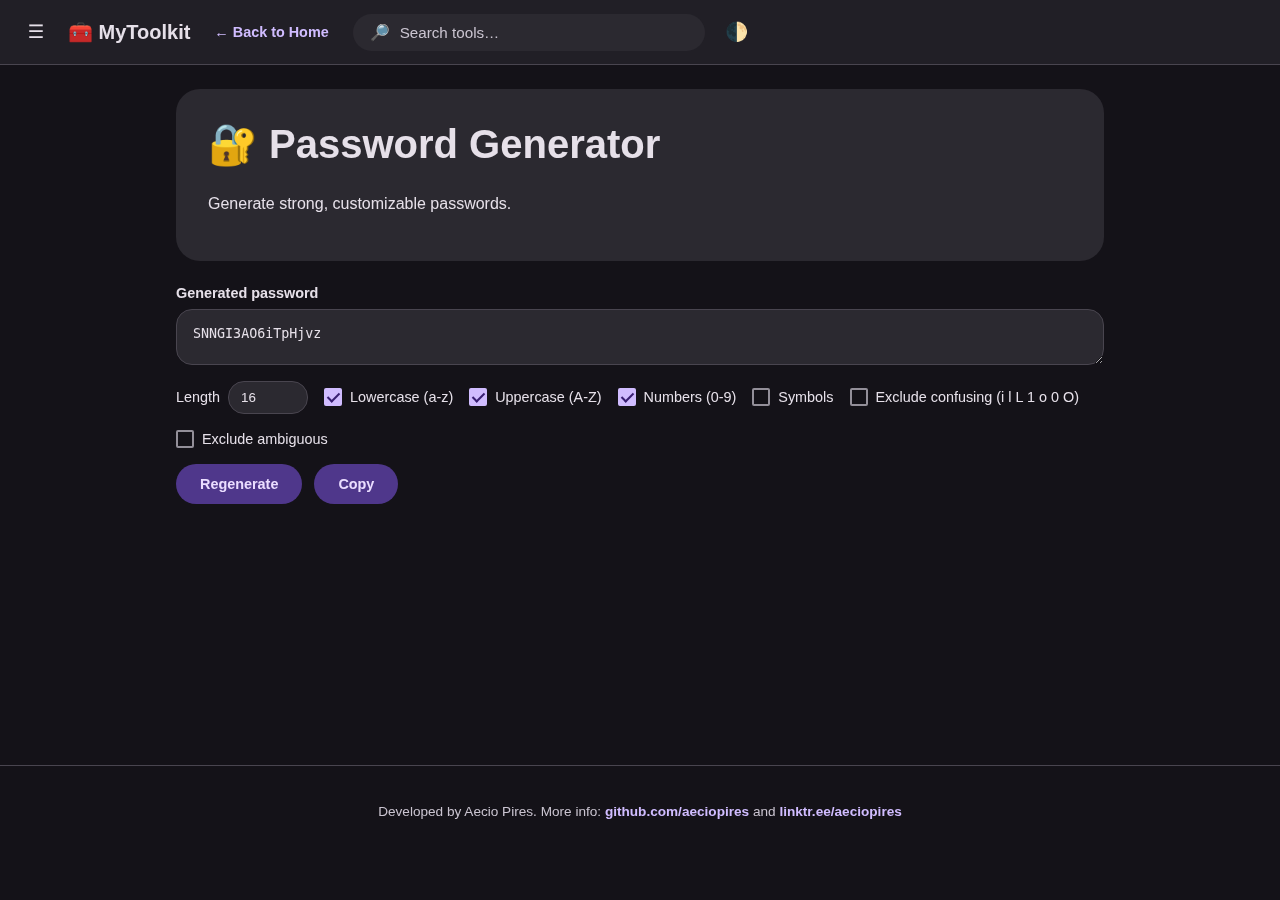 |
| Navigation drawer + search |
|---|
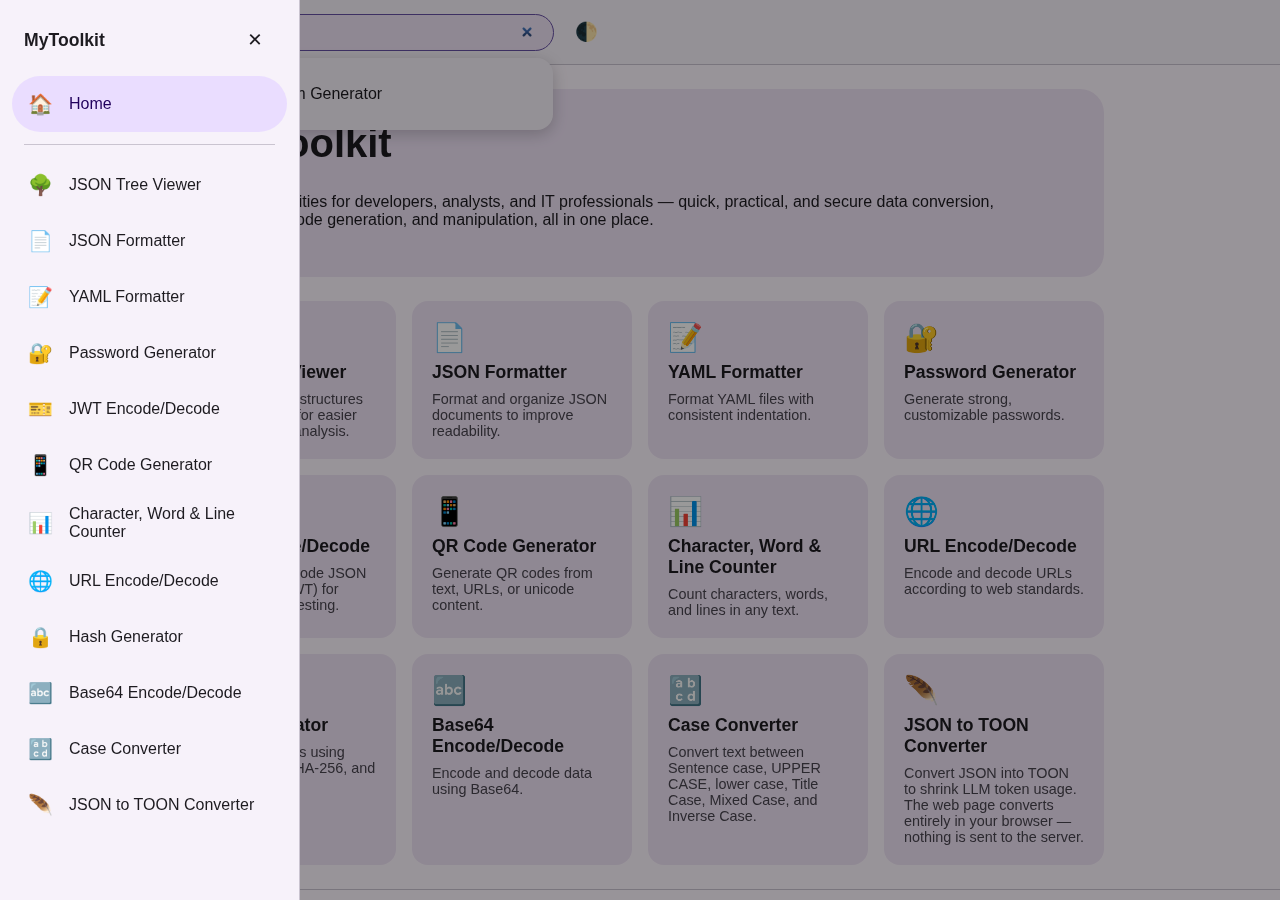 |
Append ?theme=light or ?theme=dark to any page URL to force a theme (useful for screenshots/demos); otherwise the toggle in the top-right corner persists your choice in localStorage.
Every page shares the same navigation shell:
- ☰ hamburger menu — opens/collapses a navigation drawer listing every tool (with a scrim behind it; click the scrim, the ✕, or press Escape to close).
- 🔎 search bar — filters tools client-side, live, as you type, matching against each tool's name and description (the same text shown on its homepage card and tool-page hero card); click a result or press Enter to jump to it.
- ← Back to Home — shown on every tool page, next to the brand.
- Footer — on every page, with developer/contact links.
Features
- 🌳 JSON Tree Viewer – Visualize JSON structures in a tree format for easier navigation and analysis.
- 📄 JSON Formatter – Format and organize JSON documents to improve readability.
- 📝 YAML Formatter – Format YAML files with consistent indentation.
- 🔐 Password Generator – Generate strong, customizable passwords, with confusing/ambiguous character exclusion.
- 🎫 JWT Encode/Decode – Encode and decode JSON Web Tokens (JWT) for inspection and testing.
- 📱 QR Code Generator – Generate QR codes from text, URLs, or unicode content.
- 📊 Character, Word & Line Counter – Count characters, words, and lines in any text.
- 🌐 URL Encode/Decode – Encode and decode URLs according to web standards.
- 🔒 Hash Generator – Generate hashes using MD5, SHA-1, SHA-256, and SHA-512.
- 🔤 Base64 Encode/Decode – Encode and decode data using Base64.
- 🔡 Case Converter – Convert text between Sentence case, UPPER CASE, lower case, Title Case, MiXeD CaSe, and iNvErSe cAsE.
- 🪶 JSON to TOON Converter – Convert JSON into TOON to shrink LLM token usage. The web page converts entirely in your browser — no data is sent to the server for the interactive tool (REST/CLI remain available for scripted use).
- 🔃 YAML to JSON Converter – Convert a YAML document to pretty-printed JSON, powered by sigs.k8s.io/yaml.
- 🔄 JSON to YAML Converter – Convert a JSON document to YAML, powered by sigs.k8s.io/yaml.
- ☸️ Kubernetes YAML Validator – Validate that a YAML document (single or multi-document) has the fields the Kubernetes API requires (
apiVersion,kind, and a well-formedmetadatablock), powered by sigs.k8s.io/yaml. Does not validate against a specific resource's full schema — see the docs.
Developer
Aecio dos Santos Pires
- Linkedin: https://www.linkedin.com/in/aeciopires/
- Site: http://aeciopires.com/
License
GNU General Public License v3.0
Tag summary
Content type
Image
Digest
sha256:b002777e6…
Size
10 MB
Last updated
2 months ago
docker pull aeciopires/mytoolkit