kasmweb/agent
Agent Application
1M+
kasmweb/agent repository overview

Kasm is a Desktop and Application Isolation platform. It allows users to create on-demand, disposable, web-accessible environments to safely and securely do work - building a Chasm between the users and web born threats.
A live demo is available at kasmweb.com
Quick Reference
-
General Information
kasmweb.com : The best place to start is by visiting our website:
License: License for Kasm products, to include docker images.
-
Technical Documentation
Documentation: Instructions for installing and configuring Kasm Server
-
Getting Help
BitBucket: Report an issue with Kasm Server
-
Creating Custom Kasm Images
BitBucket: We provide a set of default that are installed by default. But administrators of the system are also able to create and customize their own Images.
Documentation: For configuring Kasm Server to user the custom images.
Common Use Cases
- Browser Isolation
Protect yourself and your users from malware, ransomware, and phishing attacks by accessing the web from a browser container running in a secure, remote Kasm sandbox. None of the website’s code is ever executed on your personal machine – only within the isolated Kasm sandbox. The site has no knowledge of personal computer, or even that it exists!
- Containerized Desktop Infrastructure
Kasm is the perfect tool for spinning up on-demand desktop environments. Place Kasm in your DMZ or VPC for external internet research or tasks, or deploy it inside your network for secure access to private enclaves.
Kasm Server
The Kasm Server software stack is composed of a number of docker services. It is not intended for users to download these containers directly from dockerhub, but instead install the entire stack via our official installation media at kasmweb.com. The appropriate docker images will be pulled from dockerhub during installation. Kasm server can be easily deployed in a few minutes in a single server configuration, or in a distributed scalable architecture. It can run on premise, in your own Virtual Private Cloud or we can provide a fully hosted SaaS offering.
Default Kasm Images
Kasm Images are docker containers that are the environment end-users interact with. We provide a set of default Images listed below, but administrators are able to create and customize their own. We provide examples for customizing a Desktop environment or running a single application at BitBucket
The base container all Kasm Images must be based on. It contains the minimal set of wiring needed to run within the Kasm ecosystem
A simple desktop environment with Chrome and Firefox browsers installed.
As a demonstration, this Image represents a desktop environment that has been customized with additional popular software.
Instead of hosting a full desktop, administrators can choose to publish a Image that contains a single application. In this instance that application is Google Chrome
A Kasm image that hosts a single application - Mozilla Firefox
Visuals
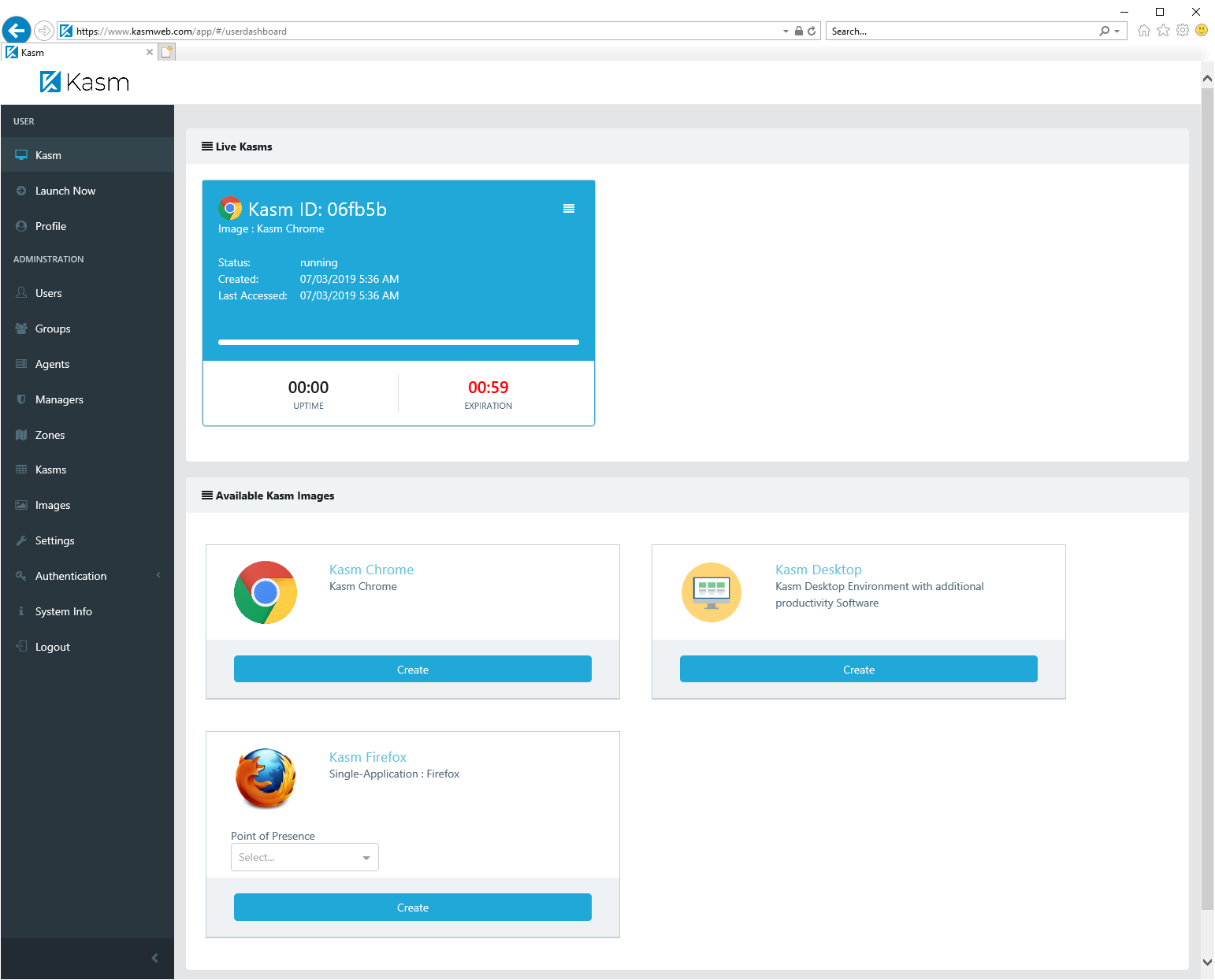
Kasm Server UI
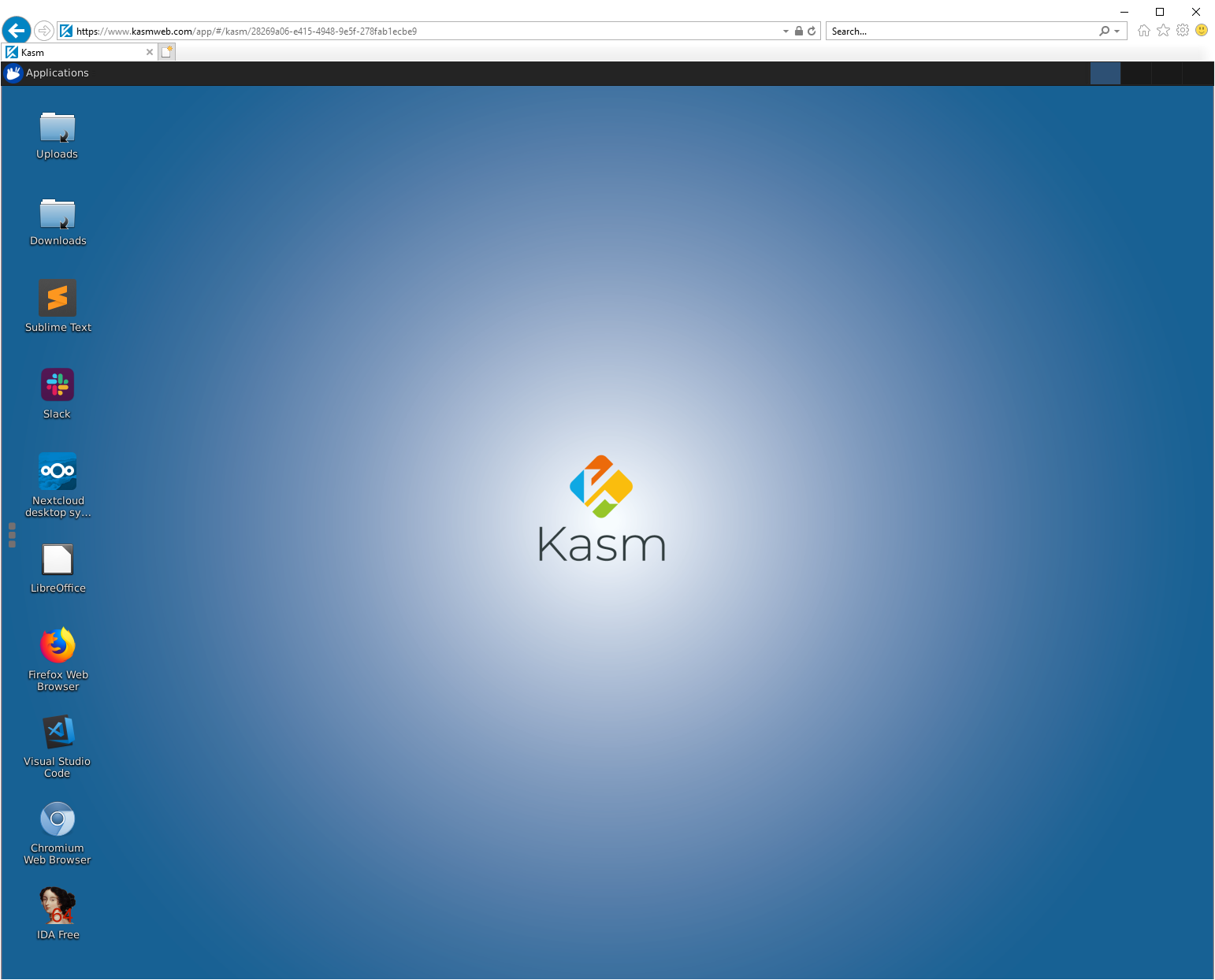
Kasm Desktop Environment
This is a view into a Kasm desktop session. Any program that executes or website that is visited from within this session never executes on the end-user's personal computer. Only in the Kasm container sandbox.
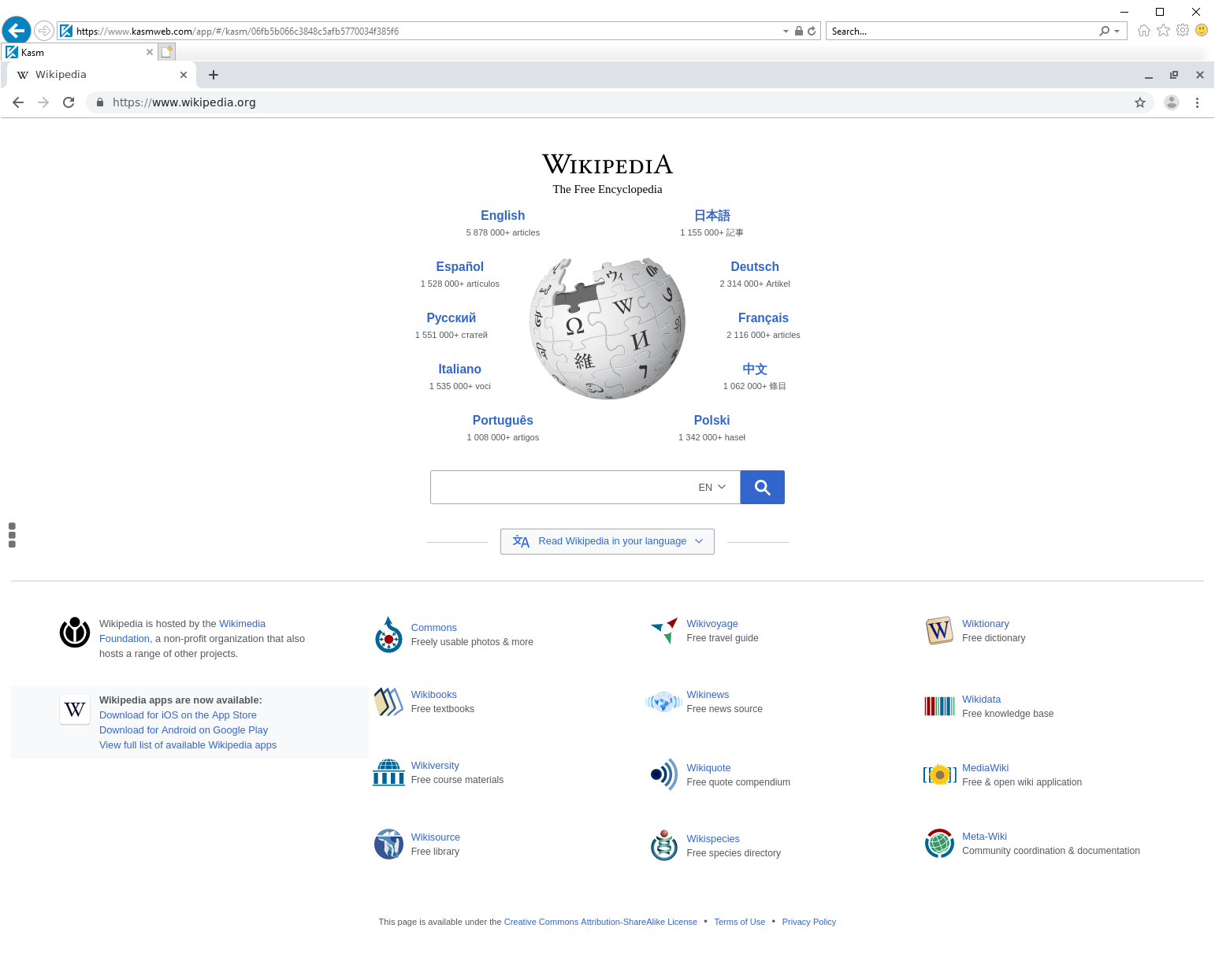
Kasm Chrome Environment
Another view into a Kasm session. In this example the kasmweb/chrome image is running. Instead of a full desktop session, only Google Chrome is displayed to the user.
Tag summary
Content type
Image
Digest
sha256:391cceaff…
Size
308.2 MB
Last updated
2 days ago
docker pull kasmweb/agent:developThis week's pulls
Pulls:
30,378
Last week