ngrok/ngrok-docker-extension
Put your docker desktop containers online with ngrok's ingress-as-a-service tunnels.
Image
Networking
Security
Integration & delivery
1
50K+
ngrok/ngrok-docker-extension repository overview
 ngrok Docker Desktop Extension
Use ngrok's API Gateway cloud service to forward traffic from internet-accessible endpoint URLs to your local Docker containers.
Go here if you're looking for the ngrok Docker image.
Installation
To install the extension:
- Open Docker Desktop and go to the extensions marketplace.
- Search for "ngrok" and click "Install".
- Once installed, activate the extension by clicking on the ngrok icon in the Docker Desktop toolbar.
Quick start
After installing the extension:
- The extension will prompt you to add your ngrok authtoken
- Start an endpoint by clicking the start icon on the container you want to put online
- Optionally specify a custom URL and traffic policy.
- You have an endpoint URL for your container that you can share!
Screenshots
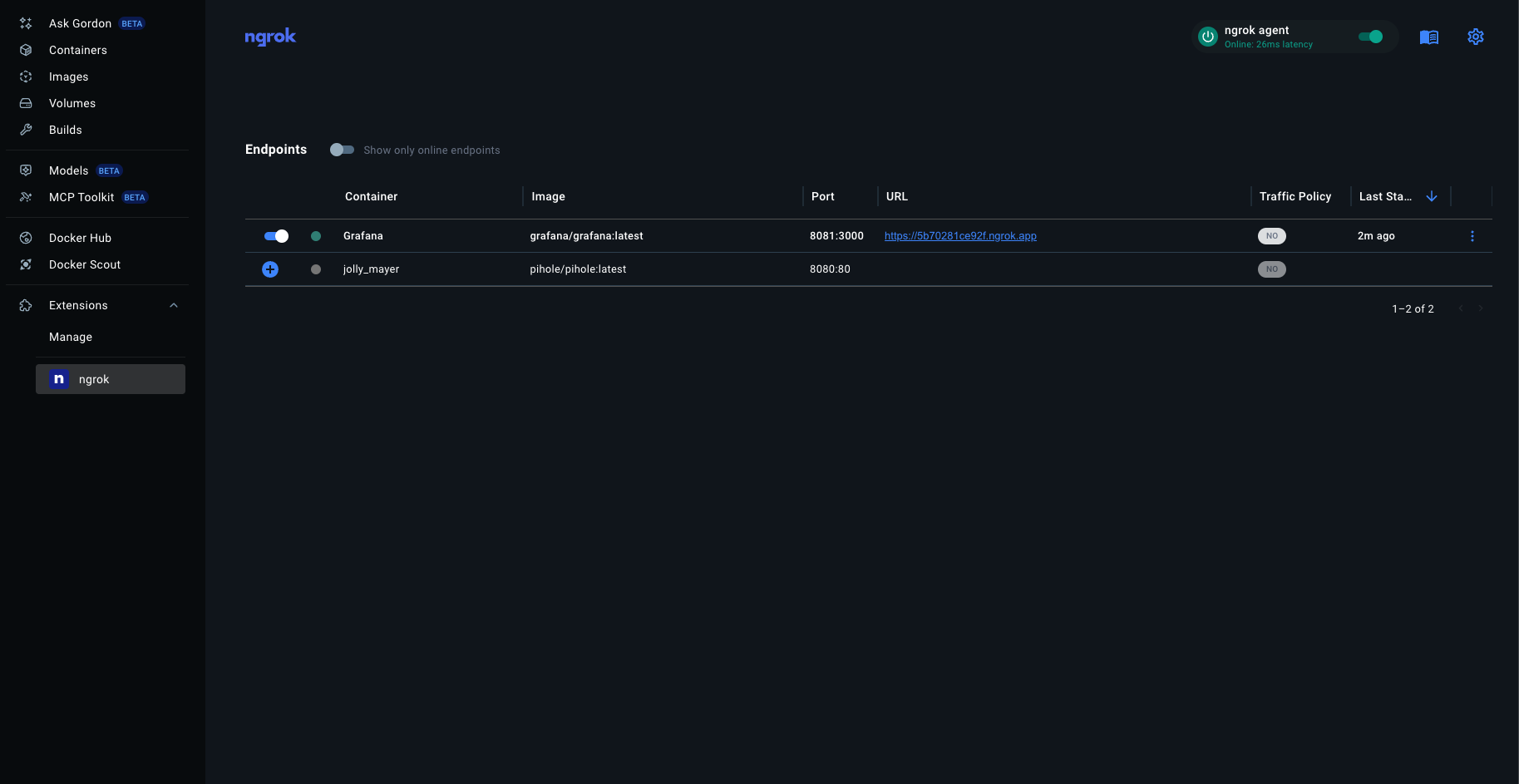
Development
See AGENT.md
Docker Image
Perfer a terminal over GUI? You're probably looking for the ngrok Docker Image.
The docker image is suited for automation, scripting, and DevOps workflows.
Links:
Tag summary
Content type
Image
Digest
sha256:a44979184…
Size
8 MB
Last updated
about 1 year ago
docker pull ngrok/ngrok-docker-extension:1.0.0