travix/lighthouse-ci-server
Serves a Lighthouse CI dashboard showing metrics of frontend code performance
500K+
travix/lighthouse-ci-server repository overview
Lighthouse CI
Overview
Lighthouse CI is a set of commands that make continuously running, asserting, saving, and retrieving Lighthouse results as easy as possible.
The node CLI (npm install -g @lhci/cli) runs Lighthouse, asserts results, and uploads reports.
The node server (npm install @lhci/server) stores results, compares reports, and displays historical results with a dashboard UI.
Use Cases
- Get a Lighthouse report alongside every PR.
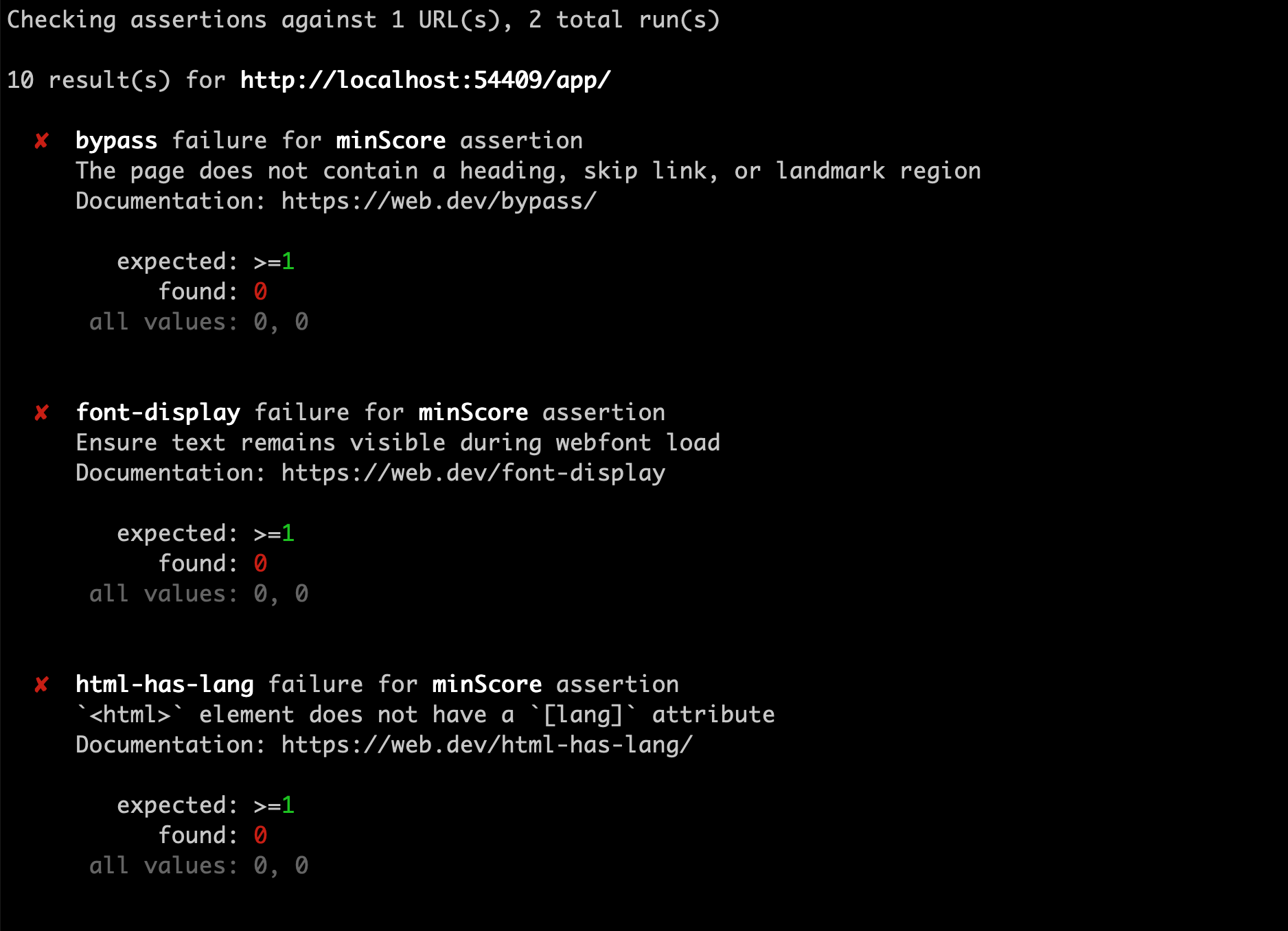
- Prevent regressions in accessibility, SEO, offline support, and performance best practices.
- Track performance metrics and Lighthouse scores over time.
- Set and keep performance budgets on scripts and images.
- Run Lighthouse many times to reduce variance.
- Compare two versions of your site to find improvements and regressions of individual resources.



Documentation
- Getting Started
- Troubleshooting / FAQs
- CLI Documentation
- Assertions Documentation
- Server Documentation
- Versioning Policy
Quick Start
.travis.yml
language: node_js
addons:
  chrome: stable
before_install:
  - npm install -g @lhci/[email protected]
script:
  - npm run build # build your site
  - lhci autorun # run lighthouse CI
Related Projects
-
Lighthouse CI GitHub Action - Automatically run Lighthouse CI on every PR with GitHub Actions, no infrastructure required.
-
Lighthouse CI Starter Example - A minimal example repo that you can use as a template when starting from scratch, offers a beginner-friendly quickstart guide using create-react-app.
Community Guides
A collection of unofficial blog posts, tutorials, and guides written by the community on using Lighthouse CI.
NOTE: This is not official documentation. You're encouraged to familiarize yourself with Lighthouse CI and read through Getting Started before continuing.
- Integrate Lighthouse CI for static website generator - An article on integrating Lighthouse CI with static website generators like Gatsby, Jekyll, etc.
Tag summary
Content type
Image
Digest
Size
582 MB
Last updated
about 6 years ago
docker pull travix/lighthouse-ci-server