xomoxcc/flickr-download repository overview
Flickr Download (Docker)

A Docker image for backing up Flickr photo libraries using flickr_download with browser-based OAuth authentication. Based on python:3.14-slim, available for linux/amd64 and linux/arm64. Source on GitHub.
Screenshots
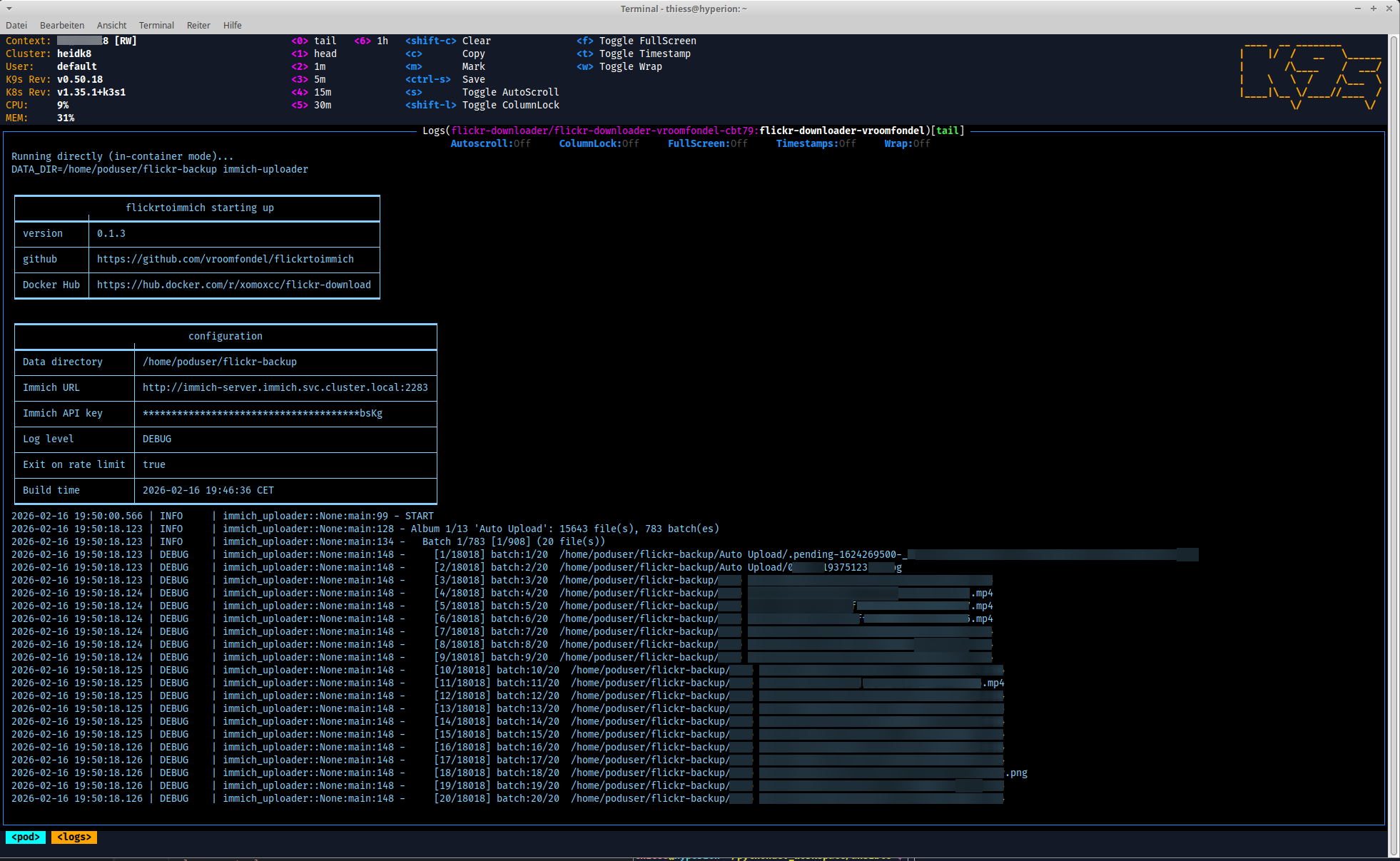
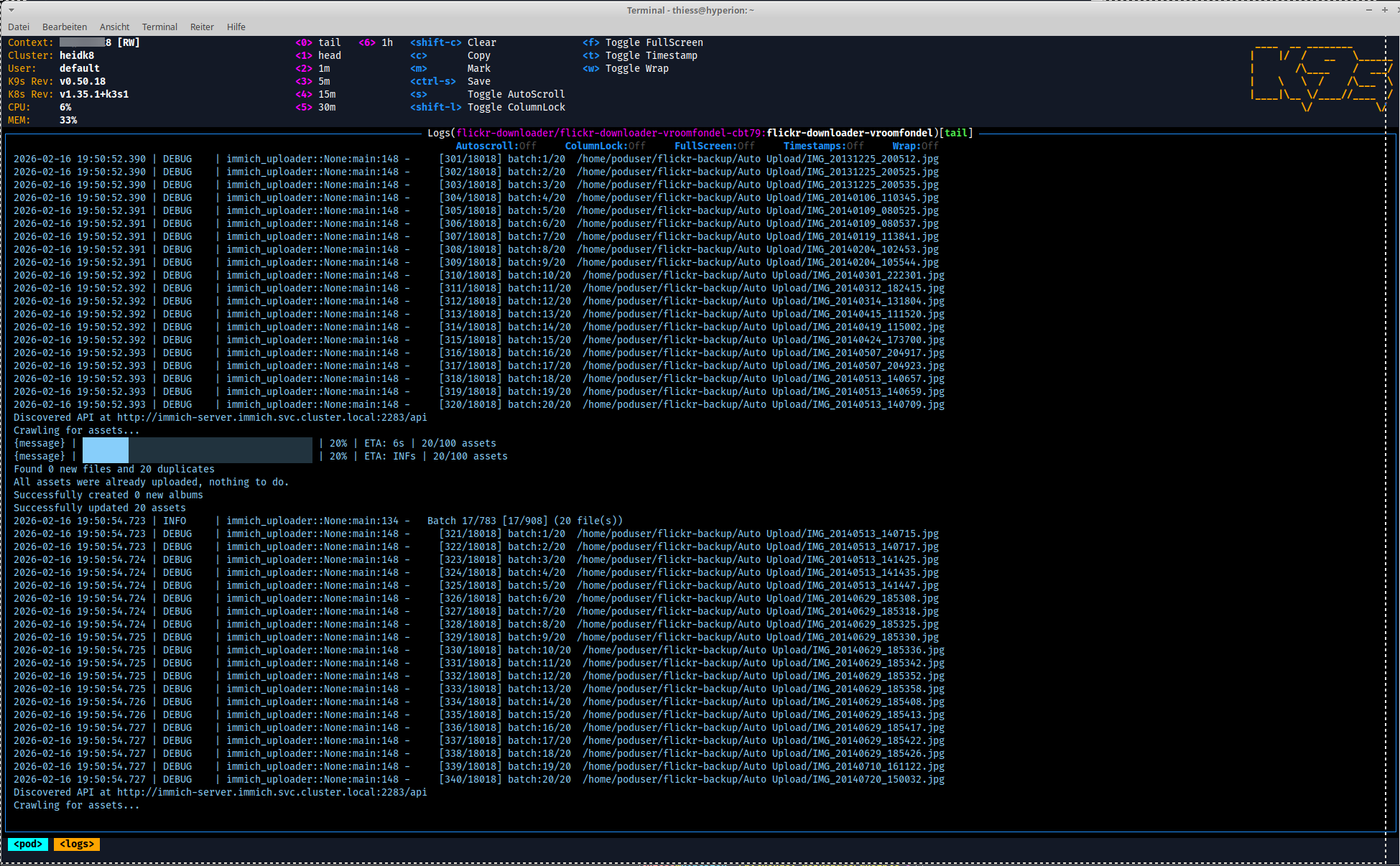
Why this is useful
- Browser-based OAuth in a container — X11 forwarding, Unix domain socket, or D-Bus portal modes let the Flickr OAuth browser flow work from inside a container without manual token wrangling.
- Rate-limit handling — a wrapper process detects HTTP 429 responses, freezes
flickr_downloadwithSIGSTOP, backs off exponentially, then resumes withSIGCONT. No photos are silently skipped. - ExifTool metadata — downloaded photos retain their original EXIF data; JSON metadata is saved alongside each file.
- Resumable downloads — API response caching means interrupted downloads pick up where they left off.
- Patched
flickr_download— installed from GitHub (not PyPI) for unreleased fixes; photos with unknown dates (0000-00-00) are gracefully skipped instead of crashing.
What's inside
Key files
| File | Container path | Purpose |
|---|---|---|
flickr-docker.sh | /usr/local/bin/flickr-docker.sh | Main wrapper script (download, auth, album management) |
flickr-download-wrapper.py | /usr/local/bin/flickr-download-wrapper.py | Rate-limit backoff wrapper around flickr_download |
flickr-list-albums.py | /usr/local/bin/flickr-list-albums.py | Album listing with photo/video counts |
upload-to-immich.sh | /usr/local/bin/upload-to-immich.sh | Uploads downloaded photos/videos to Immich, one album per directory |
immich-uploader-wrapped.py | /usr/local/bin/immich-uploader-wrapped.py | Batched Immich uploader with streaming output |
url-opener | /usr/local/bin/url-opener | Forwards browser-open requests to the host via a Unix socket (USE_DSOCKET mode) |
url-dbus-opener | /usr/local/bin/url-dbus-opener | Opens a URL on the host via XDG Desktop Portal D-Bus (USE_DBUS mode) |
entrypoint.sh | /entrypoint.sh | Container entrypoint; routes shell to bash, download_then_upload to download-then-Immich-upload, everything else to flickr-docker.sh |
Installed packages
Chromium, Firefox ESR, ExifTool (libimage-exiftool-perl), X11 libraries, D-Bus / gdbus, flickr_download (from GitHub HEAD).
Quick start
# Pull the image
docker pull xomoxcc/flickr-download:latest

# Authenticate (opens browser for OAuth, prompts for API key on first run)
docker run --rm -it \
  -e DISPLAY=$DISPLAY -v /tmp/.X11-unix:/tmp/.X11-unix \
  -v "$(pwd)/flickr-config:/root" \
  xomoxcc/flickr-download:latest auth

# Download all albums for a Flickr user
docker run --rm -it \
  -v "$(pwd)/flickr-config:/root" \
  -v "$(pwd)/flickr-backup:/root/flickr-backup" \
  -v "$(pwd)/flickr-cache:/root/flickr-cache" \
  xomoxcc/flickr-download:latest download <user>
Commands
| Command | Description |
|---|---|
build | Build Docker image locally |
auth | Authenticate with Flickr (opens browser for OAuth) |
download <user> | Download all albums for a Flickr user |
download <user> --dry-run | List albums and photo/video counts without downloading |
album <id> | Download a single album by ID |
album <id> --dry-run | List photos in an album without downloading |
list <user> | List albums with photo/video counts |
shell | Open interactive shell in the container |
test-browser [url] | Test X11/browser connectivity (Linux only) |
info | Show paths, tool versions, and diagnostics |
clean | Remove Docker image and temp files |
download_then_upload <user> | Download all albums, then upload to Immich (requires DATA_DIR, IMMICH_API_KEY, IMMICH_INSTANCE_URL) |
Browser modes
The OAuth flow needs a browser. Three modes are supported on Linux; Mac/Windows print the URL for manual opening.
| Mode | Env var | How it works |
|---|---|---|
| X11 (default on Linux) | — | Forwards X11 display into the container; browser opens inside the container and renders on the host |
| Domain socket | USE_DSOCKET=true | Host-side Python listener on a Unix socket; container sends the URL, host opens it with xdg-open. No X11 needed |
| D-Bus portal | USE_DBUS=true | Mounts the host D-Bus session socket; container calls XDG Desktop Portal OpenURI via gdbus. Podman recommended (Docker may fail D-Bus auth due to UID mismatch) |
The modes are mutually exclusive.
| Variable | Default | Description |
|---|---|---|
USE_DSOCKET | false | Enable domain socket mode |
DSOCKET_PATH | /tmp/.flickr-open-url.sock | Host-side socket path |
USE_DBUS | false | Enable D-Bus portal mode |
Rate-limit backoff
flickr_download has no built-in retry for 429 Too Many Requests. The wrapper detects these responses, freezes the process with SIGSTOP, sleeps with increasing backoff, then sends SIGCONT to resume.
| Variable | Default | Description |
|---|---|---|
BACKOFF_BASE | 60 | Base wait in seconds; multiplied by consecutive 429 count |
BACKOFF_MAX | 600 | Cap on the wait time |
BACKOFF_EXIT_ON_429 | false | Exit immediately (code 42) instead of sleeping; useful for CI / Kubernetes Jobs |
Dry-run mode
--dry-run connects to the Flickr API and lists what would be downloaded without actually downloading any files or creating any directories.
# List all albums with photo/video counts
docker run --rm -it \
  -v "$(pwd)/flickr-config:/root" \
  xomoxcc/flickr-download:latest download <user> --dry-run

# Also list individual photos per album
docker run --rm -it \
  -v "$(pwd)/flickr-config:/root" \
  xomoxcc/flickr-download:latest download <user> --dry-run --verbose

# List photos in a single album
docker run --rm -it \
  -v "$(pwd)/flickr-config:/root" \
  xomoxcc/flickr-download:latest album <id> --dry-run
Adding --verbose (or -v) to download --dry-run lists every photo/video per album. album --dry-run always lists individual photos. The download_then_upload entrypoint also supports --dry-run.
Immich upload
upload-to-immich.sh uploads downloaded photos and videos to an Immich instance, creating one Immich album per Flickr album directory. It uses @immich/cli (installed at runtime via npm).
When running inside a container (/.dockerenv, /run/.containerenv, or KUBERNETES_SERVICE_HOST detected), the script runs @immich/cli directly. On the host it spins up a node:lts-alpine Podman container with the photo directory mounted read-only.
| Variable | Default | Description |
|---|---|---|
IMMICH_INSTANCE_URL | — | Immich server URL |
IMMICH_API_KEY | — | Immich API key |
DATA_DIR | $(pwd)/flickr-backup (in-container) / /data (podman) | Directory containing album subdirectories |
IMMICH_INSTANCE_URL=https://immich.example.com IMMICH_API_KEY=secret ./upload-to-immich.sh
Supported file types: .jpg, .png, .mp4.
Podman notes
When Podman is detected the wrapper script automatically adds --userns=keep-id and --security-opt label=disable. Running the published image directly:
podman run --rm -it --userns=keep-id \
  -e "HOME=/home/poduser" \
  -v "$(pwd)/flickr-config:/home/poduser" \
  -v "$(pwd)/flickr-backup:/home/poduser/flickr-backup" \
  -v "$(pwd)/flickr-cache:/home/poduser/flickr-cache" \
  docker.io/xomoxcc/flickr-download:latest list <user>
Data directories
| Directory | Contents |
|---|---|
flickr-backup/ | Downloaded photos and JSON metadata |
flickr-config/ | API credentials (.flickr_download) and OAuth token (.flickr_token) |
flickr-cache/ | API response cache for resumable downloads |
Build from source
./build_multiarch.sh              # build and push to Docker Hub (amd64 + arm64)
./build_multiarch.sh onlylocal    # local build only (no push)
Credentials
The build script sources scripts/include.sh, which loads scripts/include.local.sh (not committed) for Docker Hub credentials. See the repository root for details.
License
See the repository's license files in the project root (LICENSE.md, LICENSEMIT.md, etc.).
⚠️ Note
This is a development/experimental project. For production use, review security settings, customize configurations, and test thoroughly in your environment. Provided "as is" without warranty of any kind, express or implied, including but not limited to the warranties of merchantability, fitness for a particular purpose and noninfringement. In no event shall the authors or copyright holders be liable for any claim, damages or other liability, whether in an action of contract, tort or otherwise, arising from, out of or in connection with the software or the use or other dealings in the software. Use at your own risk.
Tag summary
Content type
Image
Digest
sha256:b61459453…
Size
520.1 MB
Last updated
6 months ago
docker pull xomoxcc/flickr-download